
You can make a video ad without a camera in five ways: animate the still images you already own, record your screen, license stock footage and cut it to a script, use customer content someone else filmed, or generate a synthetic presenter to deliver the script for you. Most working ads combine two or three of these rather than relying on any single one.
The reason this works is that short-form feed advertising rewards clarity and pace far more than production value. An ad assembled from existing assets in an afternoon regularly beats a properly shot one, because the thing that separates a winner from a loser is almost always the first three seconds and the script, not the camera.
1. Animate the Still Images You Already Have
Your product page, your press kit and your supplier’s asset folder probably hold six to twelve usable images between them. A hero shot on white, two or three lifestyle photos, a detail crop, packaging. That’s enough material for a fifteen-second ad without anyone touching a camera.
Motion is the only requirement, and it doesn’t need to be clever. A slow push-in held for two seconds, a horizontal pan across a detail shot, a masked reveal, a hard cut on the beat of the audio. Viewers scrolling at speed genuinely cannot distinguish a zoom on a still from a locked-off camera shot, and the threshold in a feed is movement rather than cinematography.
Resolution decides what you can get away with. Aim for source images at least 1200 pixels on the long edge if you’re cropping into 1080 by 1920, because you need headroom to reframe a horizontal photo into vertical without visible softening. Anything smaller, upscale first, then animate, since scaling during a zoom is where things fall apart.
2. Record Your Screen
This is the most underused asset in the entire category, and it’s free. For software, apps, dashboards, booking systems or anything with an interface, a screen recording is more persuasive than any filmed footage would be, because it shows the actual thing rather than a representation of it.
Record at a phone-friendly framing and zoom in more than feels natural. A UI element that reads fine on a laptop is illegible on a five-inch screen, and the most common mistake is capturing a full desktop and expecting it to survive the crop. Then cut ruthlessly: a thirty-second recording usually contains about eight seconds of useful footage once you remove loading states, scrolling and hesitation.
Screen recordings work for non-software businesses too, more than people expect. A screenshot of a five-star review, an order confirmation, a booking calendar filling up, a customer’s message asking for the product. These function as proof, and proof is what the middle of an ad exists to deliver.
3. Cut Licensed Stock Footage to a Script
Stock got good enough that the old giveaways are mostly gone, particularly for vertical 9:16 material, which libraries have expanded heavily since short-form ads became the default. Clips of hands, kitchens, gyms, desks, commutes and weather cost anywhere from a few dollars each to a subscription in the twenty to eighty dollar monthly range.
Use stock for the problem half of the ad rather than the product half. The four seconds showing the frustration your product solves rarely need to feature your product at all, and that’s exactly the footage you’d otherwise have to shoot. The product half stays yours: your images, your screen recording, your packaging.
The failure mode is obvious once you know it. Stock footage of a smiling person in an office with a laptop is instantly recognisable as stock and viewers discount everything after it. Pick clips that are specific, slightly imperfect and shot on a phone rather than glossy corporate B-roll, and keep each one under two seconds so nobody has time to categorise it.
4. Use Content Your Customers Already Filmed
If you have customers, you already have footage, you just haven’t asked for it. A small incentive (a discount code, a free refill, twenty-five dollars) reliably produces raw phone clips that beat anything you’d produce yourself, because they don’t announce themselves as advertising in the first second.
Industry data on short-form ad performance consistently points to creator-style and customer-filmed content outperforming brand-produced video, and the mechanism is simple: it matches the native content around it in the feed. Whitelisting, where you run the creator’s video from their handle with permission, extends that further.
Get the permissions in writing before you spend money on it. Usage rights, duration, and which platforms, since a fair number of brands have found out expensively that a testimonial they’d been running for eight months was licensed for three. And never edit a customer’s words into a claim they didn’t make. Federal Trade Commission rules on endorsements are clear that an endorsement has to reflect the honest opinion of the person giving it and can’t be used to make a claim you couldn’t legally make yourself, and platform policy takes the same view.
5. Generate a Synthetic Presenter
A lot of founders won’t go on camera, and that used to end the conversation. Synthetic presenters solve it: write a script, pick a face and a voice, and get a talking-head segment that anchors the ad the way a creator would, in as many languages as you need.
Tools differ on how much control you get over the presenter. Some give you a fixed library, while Creatify builds custom AI avatars tuned to short direct-to-camera delivery, which matters because reusing the same presenter across a campaign builds recognition that a different generated face every month throws away.
Use them in short bursts rather than continuously. Three seconds delivering the hook, cut to product footage or a screen recording, back for three seconds on the call to action. Fifteen unbroken seconds of a synthetic face is where viewers start sensing something is off, and the tells are usually in the hands and the pauses, not the face itself.
Disclose it. Viewers are broadly relaxed about synthetic presenters as a format and much less relaxed about being misled, and a presenter narrating your message is a production choice, while a presenter claiming to be a real customer with a real result is something else entirely.
Which of the five fits you depends mostly on what you sell. E-commerce with strong product photography leans on animated stills and customer content. Software leans almost entirely on screen recordings with a presenter bookending them. Services with nothing physical to show lean hardest on the presenter and on proof screenshots. Local businesses tend to get the most from a presenter plus a handful of stock clips, since they usually have neither an asset library nor a customer content pipeline.
Budget changes the shape too. Under a thousand a month in ad spend, three or four variants with one changed hook is enough to learn something. Above five thousand, you need a genuine production line of twenty or more variants a month, because creative fatigue on paid social arrives every four to six weeks whether you’re ready or not.
Whichever route you pick, build the asset library as you go. Tag the clips, hooks, captions and audio that performed, keep them somewhere your future self can find them, and each winning ad becomes raw material for the next ten rather than a one-off you can’t reproduce. That habit, more than any single tool, is what separates teams who test properly from teams who make one good ad and then wonder where it came from.
Author
Written by
Recent Posts
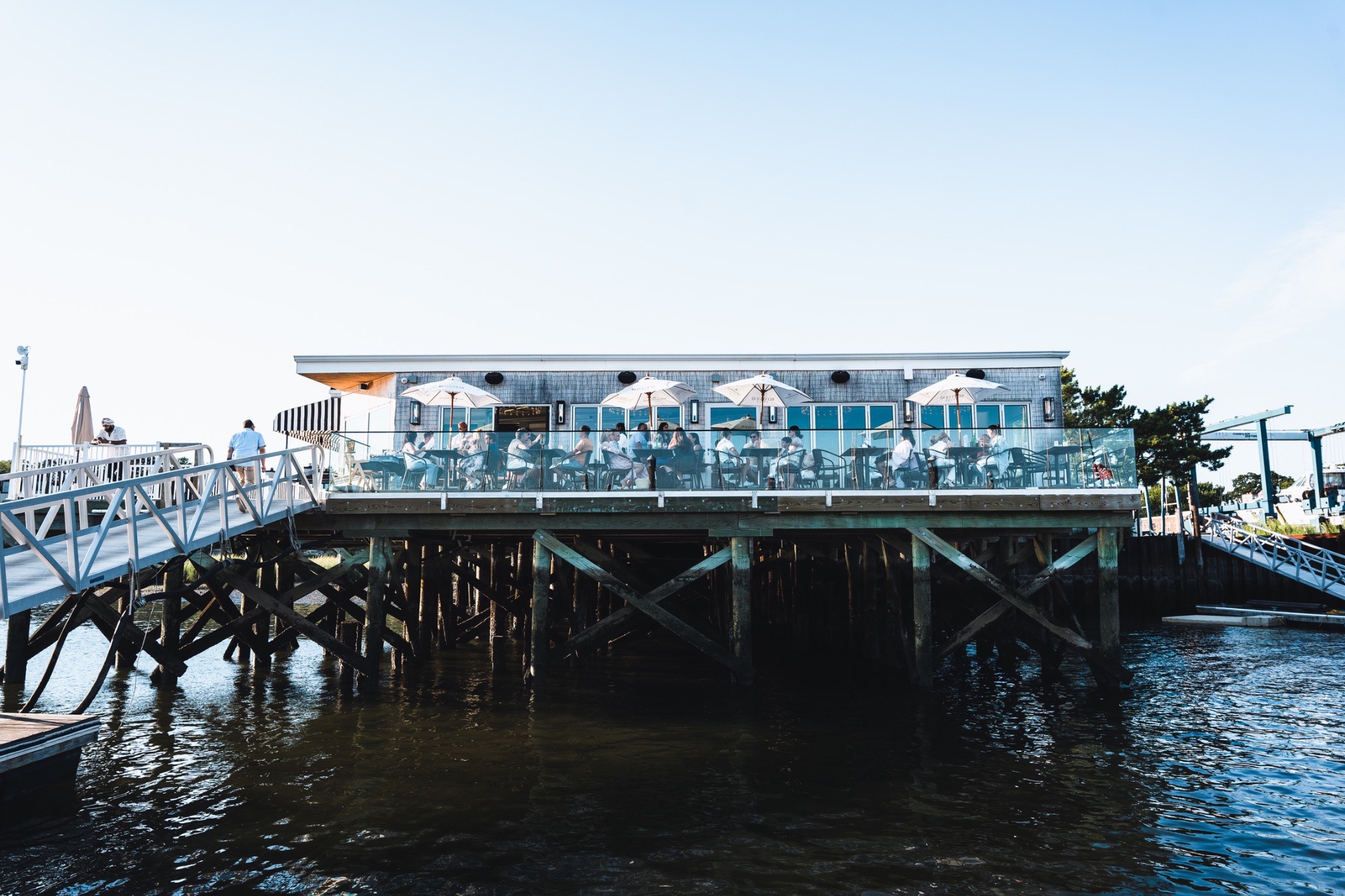
Nino’s Beach Brings Generations of Italian Hospitality to the Port Washington Waterfront

The Self-Made Man Who’s One Phone Call From Ruin

Everyone Out Here Is Loaded. Nobody Feels Rich.

What to Do When Illness Threatens a Trip You Already Paid For
How Independent Watch Brands Are Challenging Traditional Luxury
Categories
- Art
- Articles
- Business of Luxury
- Celebrities
- Culture
- Entertainment
- Events
- Faces of Summer 2026
- Fashion
- Fashion & Style
- Featured
- Finance
- Food, Spirits, Wine
- Hamptons
- Hamptons Celebrities
- Health
- Health & Beauty
- Lifestyle
- Luxury Lifestyle
- Press
- Profiles
- Real Estate
- Technology
- The Chronicles
- Travel
- Uncategorized
- Weddings