
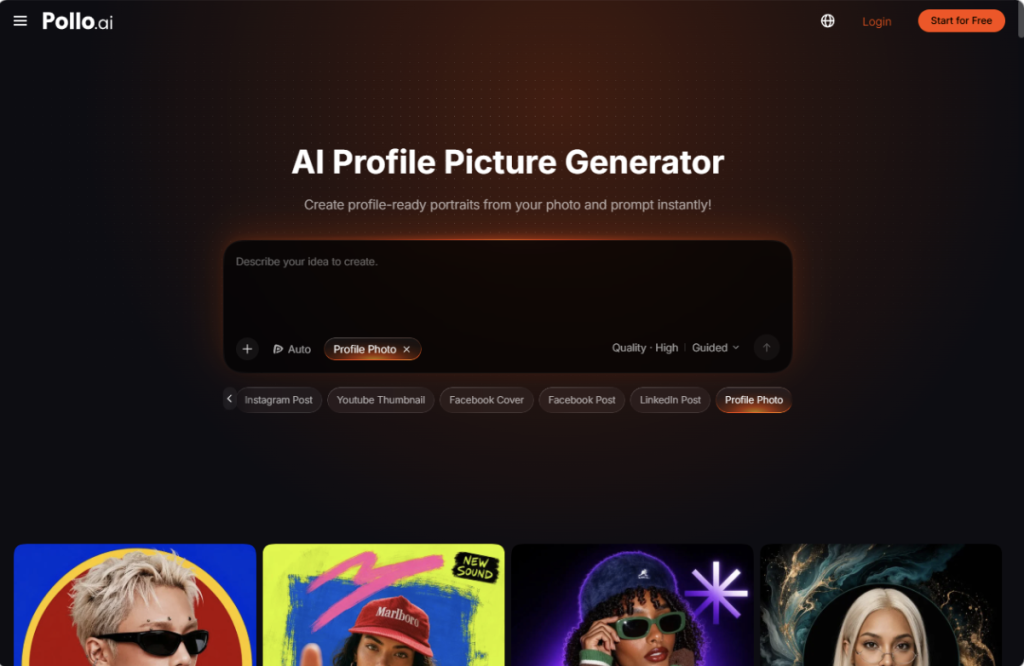
Small businesses need credible team photos, but a full photo shoot can delay a website refresh or hiring campaign. A practical alternative is to standardize how portraits are prepared, reviewed, and approved rather than simply asking everyone for a “professional photo.”
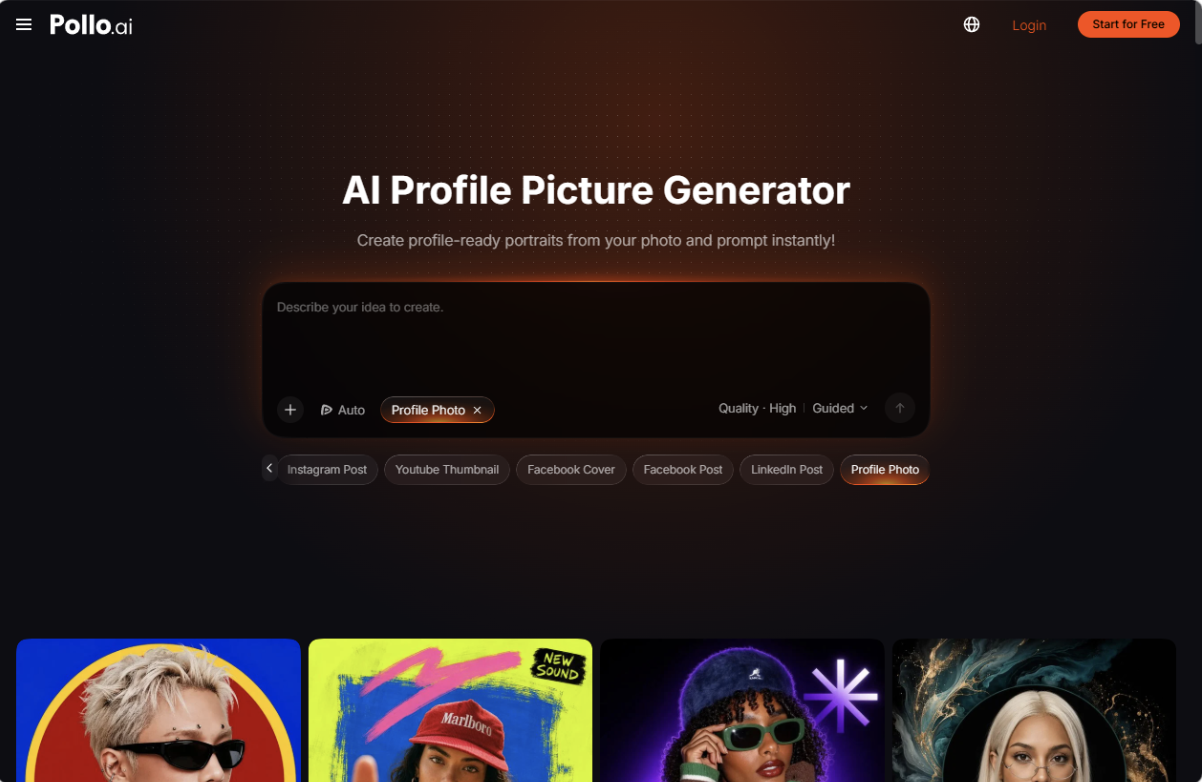
With Pollo AI, an AI profile picture generator can turn simple references into polished headshots. This gives small teams a practical way to prepare consistent portraits for LinkedIn, staff pages, and email profiles. The goal is a recognizable, professional team image without forcing every employee into the same artificial pose.
Start with a Clear Source Photo
Review each source against the same brief: intended channel, crop, background, clothing style, and lighting. A company directory might need a simple head-and-shoulders portrait, while a speaker biography may require a wider composition. For consistent employee profile photos, choose a shared visual direction without requiring identical expressions or outfits.
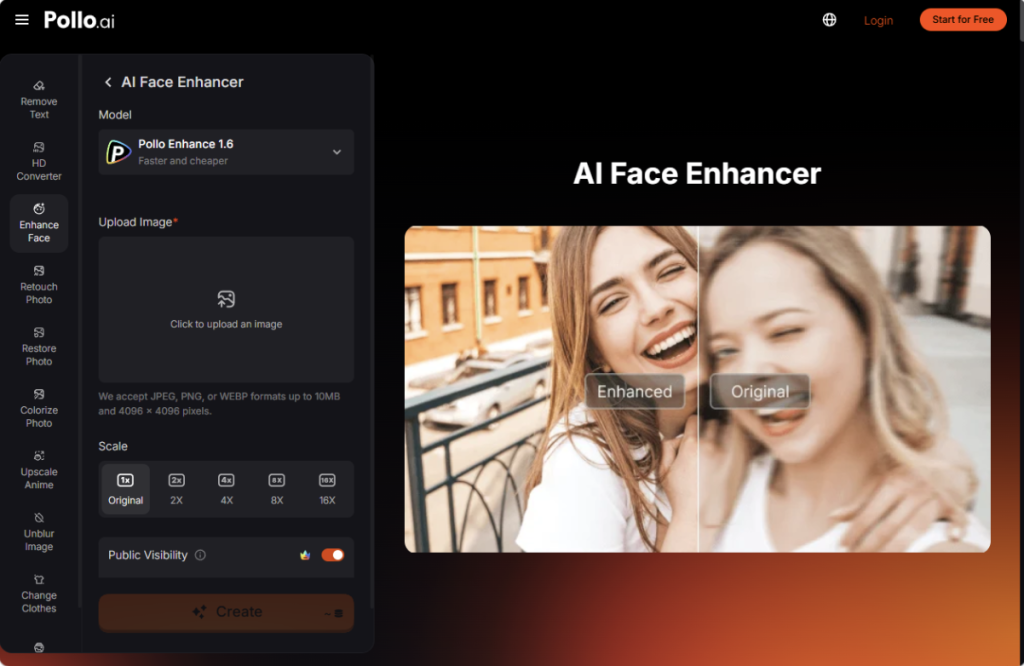
If compression has left a photo with low resolution, blurred facial features, or ghosting around the face, try processing it with face enhancer AI in Pollo AI before using it as a reference. The tool can help sharpen low-resolution portraits and reduce compression artifacts, making facial details easier to assess. Compare the enhanced image with the original to check that distinctive features remain intact. If severe blur or ghosting persists, a clearer source photo is a better starting point than repeated enhancement.
Set a Shared Style Before Generating with Pollo AI
Pollo AI presents its AI profile picture generator around recognizable portraits, platform-specific styles, and choices involving expression, crop, outfit, and lighting. For a small business, those options are most useful when guided by a concise visual brief. Choose a background family, a consistent framing approach, and a level of formality that reflects how the team actually works.
For example, a remote consultancy could aim for chest-up portraits, muted gray backgrounds, soft daylight, and natural expressions. A creative agency might choose warmer tones and more relaxed clothing. The goal is a cohesive team page, not an invented corporate identity that employees would never recognize.
Where text guidance is available, describe concrete visual choices rather than asking for someone to look “more successful.” A direction such as “head-and-shoulders business portrait, soft even lighting, plain warm-gray background, natural skin texture” is easier to evaluate. Treat requests to preserve facial features as instructions to check against, not guarantees of an accurate result.
Compare Options at Their Final Size
Generate a small selection and review each option against both the source image and the team brief. With the AI profile picture generator in Pollo AI, the useful comparison is not simply which portrait looks most polished. Check whether the expression feels natural, the clothing looks plausible, and the person remains recognizable.
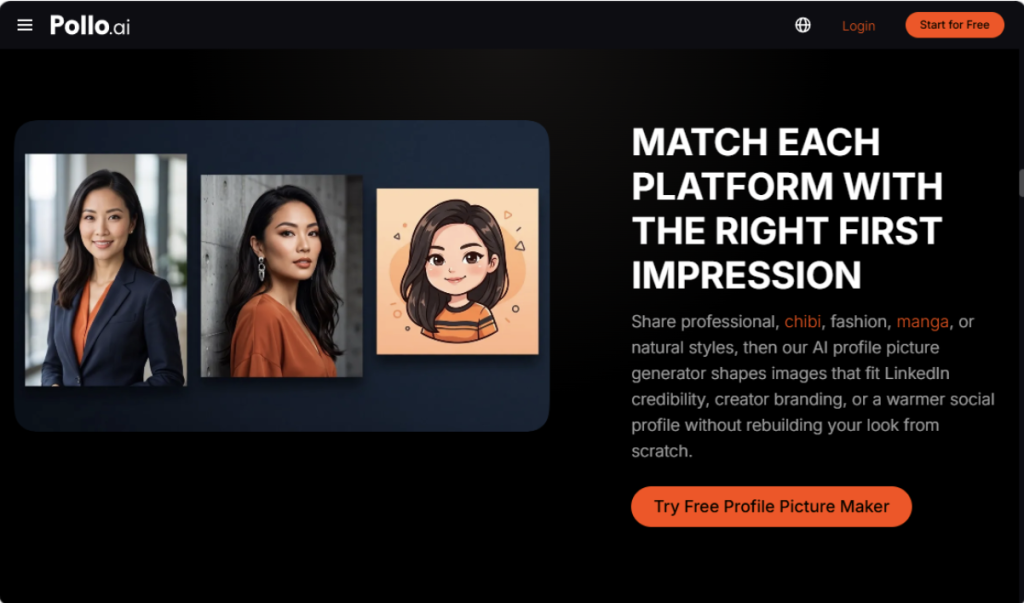
View shortlisted portraits at full size, then reduce them to the dimensions used on your staff page or profile card. Inspect eyes, teeth, glasses, hairlines, and clothing edges closely. At smaller sizes, check that the face remains clear and the crop leaves enough space for a circular profile display.
If the selected portrait is slightly soft, face enhancer AI in Pollo AI can be tested as a finishing step. Its product page highlights low-resolution portrait sharpening, clarity improvements, and skin-tone refinement. Compare the enhanced version with the original, and reject changes that introduce artificial texture or alter distinctive features; sharper does not automatically mean more accurate.
Keep the Team Workflow Easy to Repeat with Pollo AI
Give employees one short instruction for taking reference photos, store the approved prompt with each source image, and name final files by person and channel. This reduces time spent chasing revisions when someone joins the team or changes roles. A repeatable process also makes annual profile updates easier.
Pollo AI supports the wider visual workflow when a headshot needs to appear in social graphics, presentations, product visuals, or avatar-based content. That broader context helps a marketing manager keep a consistent person and brand style across several assets. The headshot remains the identity anchor, while the surrounding design changes for each channel.
Privacy and consent still matter. Employees should know where their portraits will appear, and businesses should keep original files and approved versions under sensible access controls. AI can reduce production effort, but the company remains responsible for representing people accurately.
Final Takeaway
Small businesses can use Pollo AI to turn scattered employee selfies into a consistent headshot system. Use a portrait generator for a new style, crop, or setting, and use the image enhancer when the source already feels right but needs careful repair. Start with a shared brief, compare several options, and approve every final portrait before publishing it.
Author
Written by
Recent Posts
Drinking Castor Oil: Timing, Safety and Who Should Skip It
How Small Businesses Use AI Profile Picture Generators for Professional Team Headshots
Carole Crist, The Former First Lady of Florida is Digging Deep With Rejuvenation Nation
Carl Boyanton Has Spent 40 Years Watching America’s Food System Change
Citymeals Hamptons Bash: Inside Lizzie and Jonathan Tisch’s Bridgehampton Soirée
Categories
- Art
- Articles
- Business of Luxury
- Celebrities
- Culture
- Entertainment
- Events
- Faces of Summer 2026
- Fashion
- Fashion & Style
- Featured
- Finance
- Food, Spirits, Wine
- Hamptons
- Hamptons Celebrities
- Health
- Health & Beauty
- Lifestyle
- Luxury Lifestyle
- Press
- Profiles
- Real Estate
- Technology
- The Chronicles
- Travel
- Uncategorized
- Weddings